08:00Medications
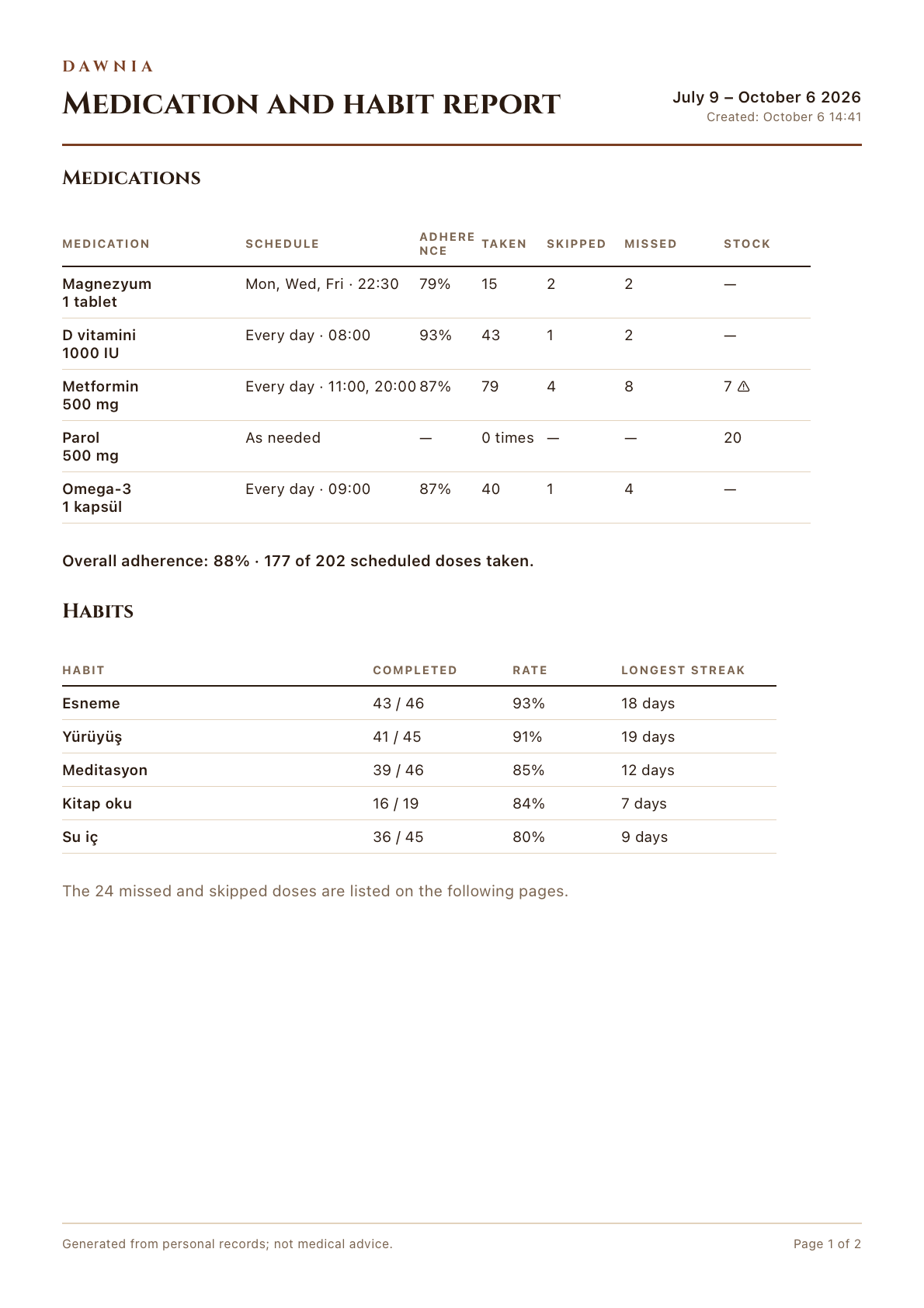
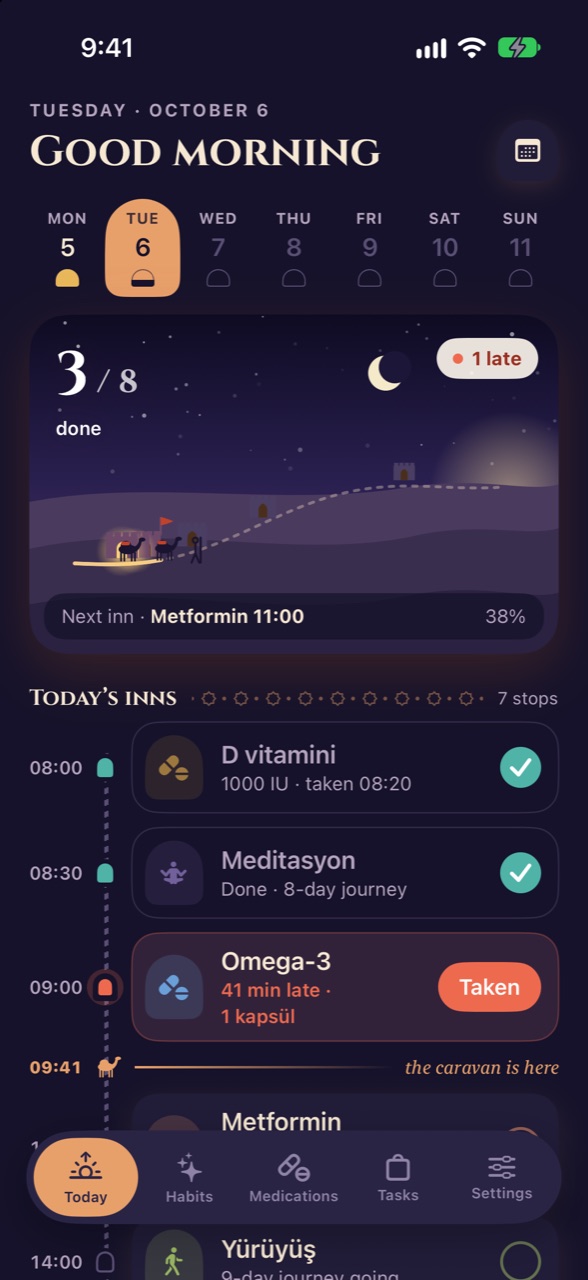
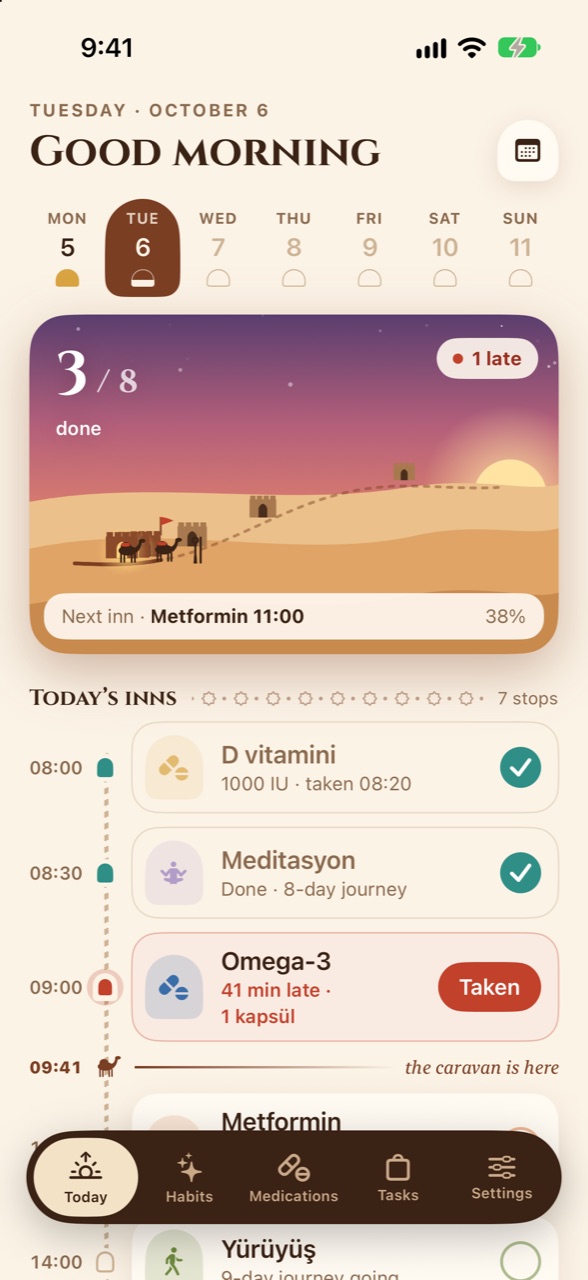
Reminds you on time, gently persistent.
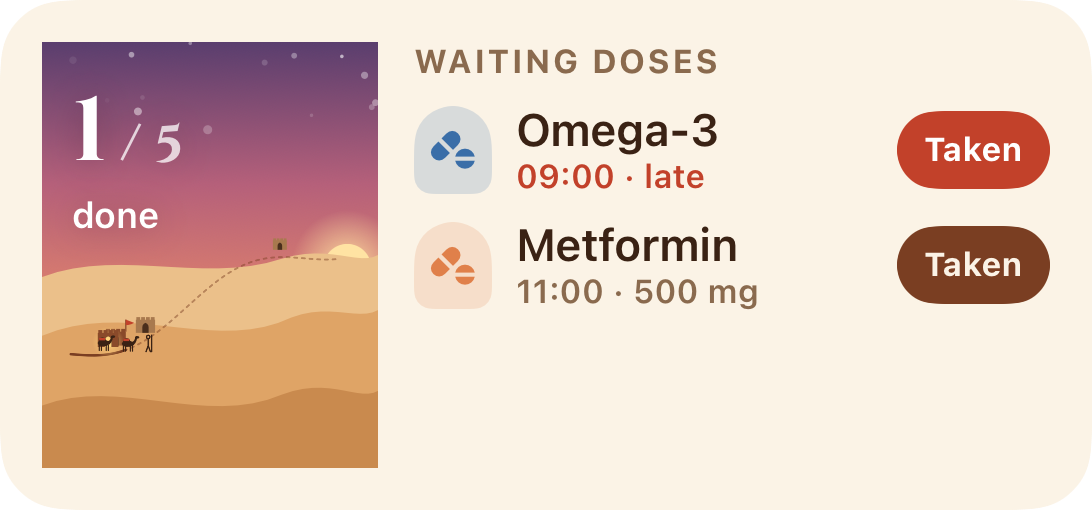
One tap from the notification: “Taken”, “Snooze 10 min” or “Skip”. Missed doses are never stored, always derived, so your history stays honest.
- Follow-up reminderNot logged? One more nudge after 30 minutes.
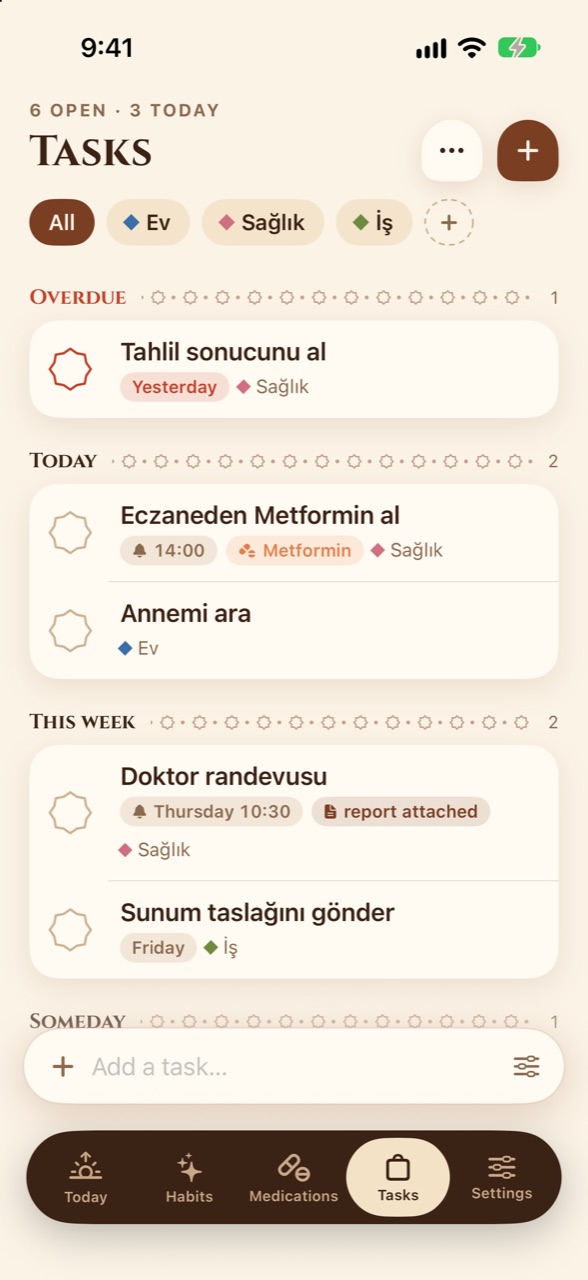
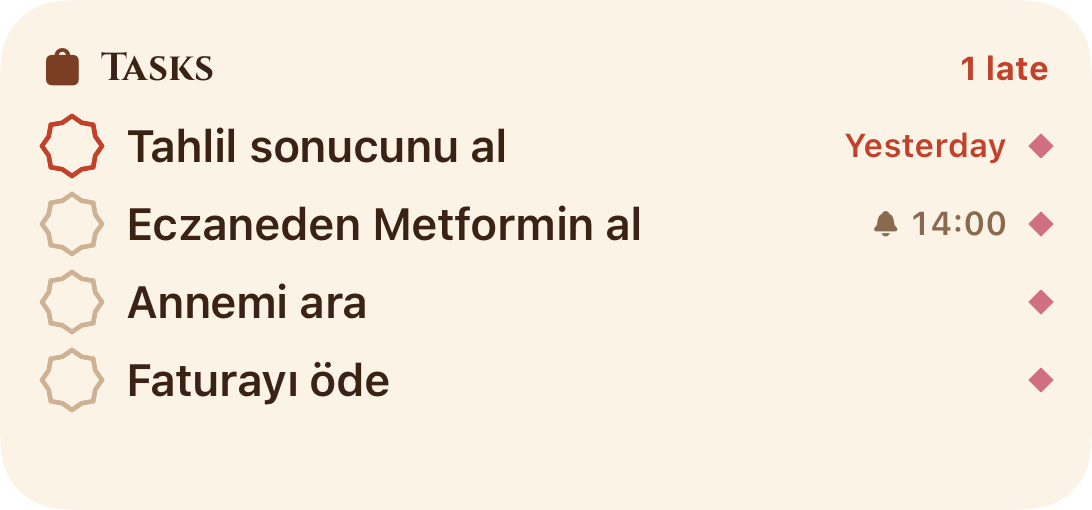
- Stock trackingA morning heads-up when the box runs low; “Buy a new box” lands in your tasks.
- As-needed medications“Took it now” for things like painkillers.
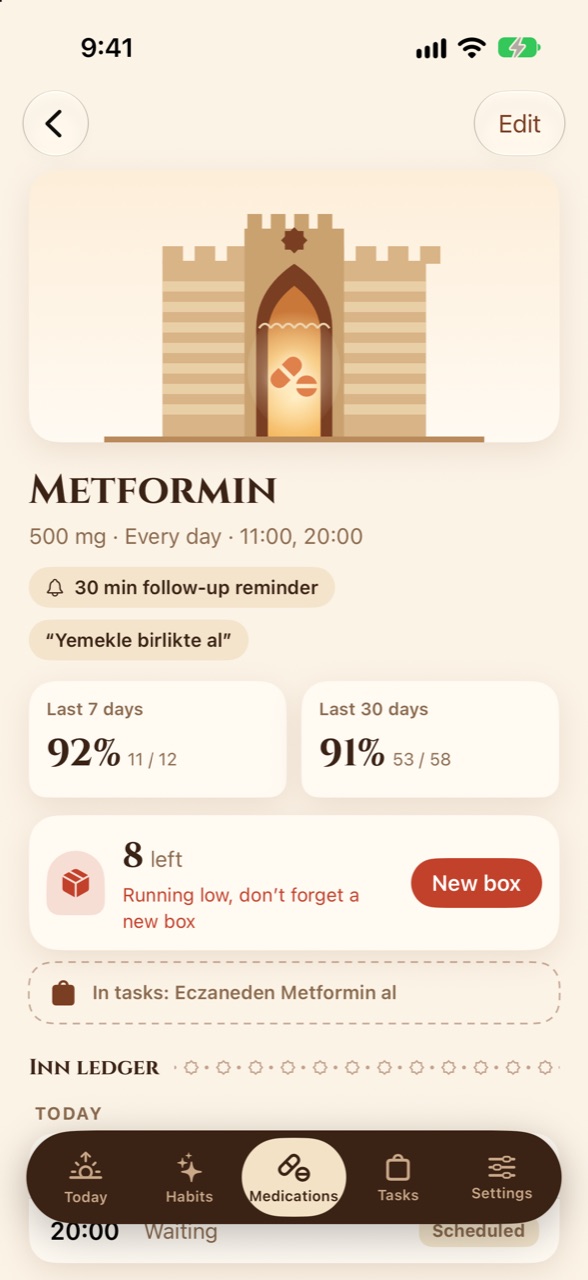
30 min follow-up reminder
8 leftRunning low
New box